Every LangGraph Agent Server.
Connected and Traced in One Place.
Built for developers and teams who run LangGraph agent servers locally or remotely — and solo devs juggling several servers and agents at once. A LangGraph server on its own is just an API. Graph-Agent-UI brings it back to a real interface: connect to any number of servers, browse the agent graphs each one exposes, chat with streaming responses, run graphs through schema-derived forms, and approve human-in-the-loop steps — right from your system tray.
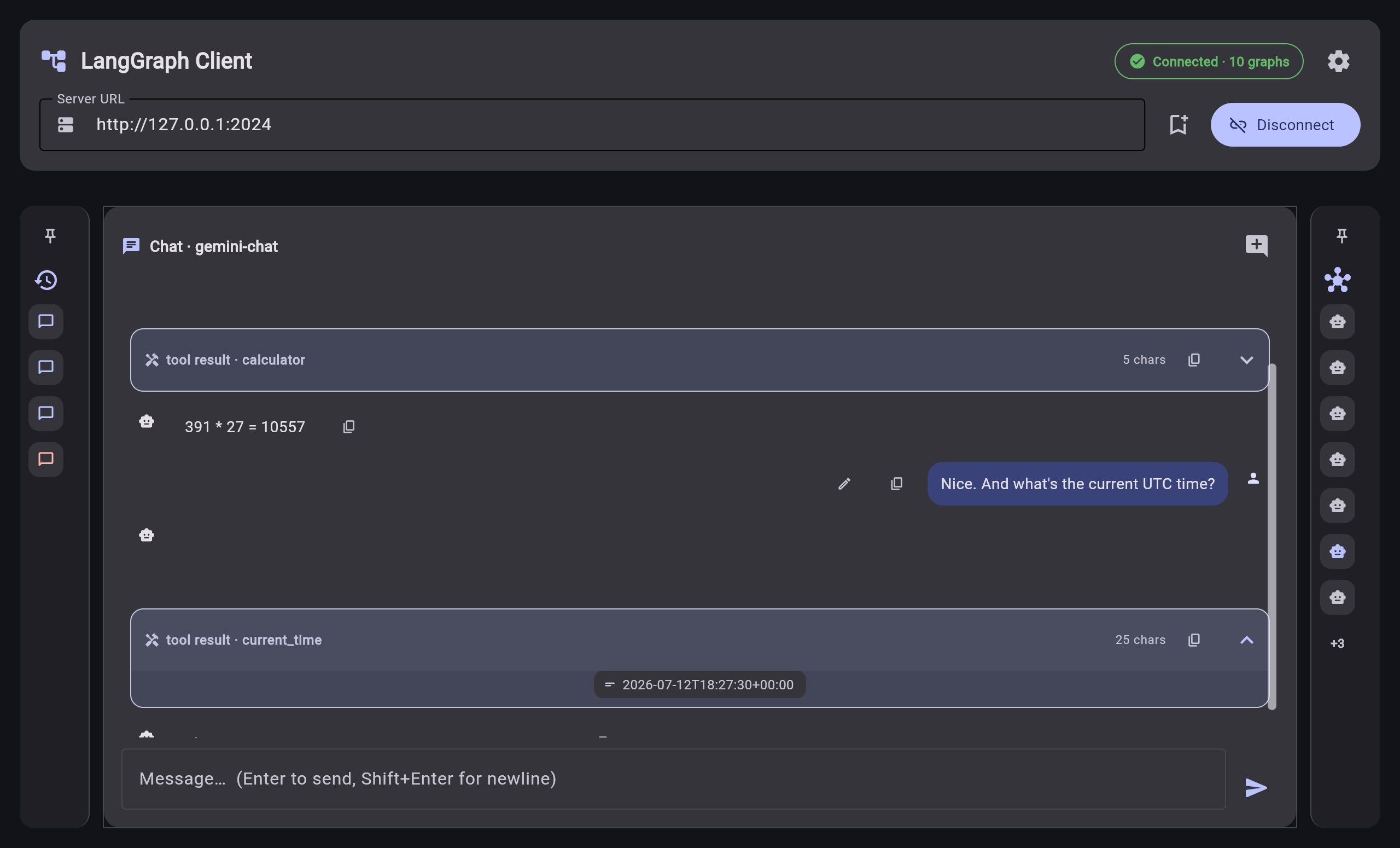
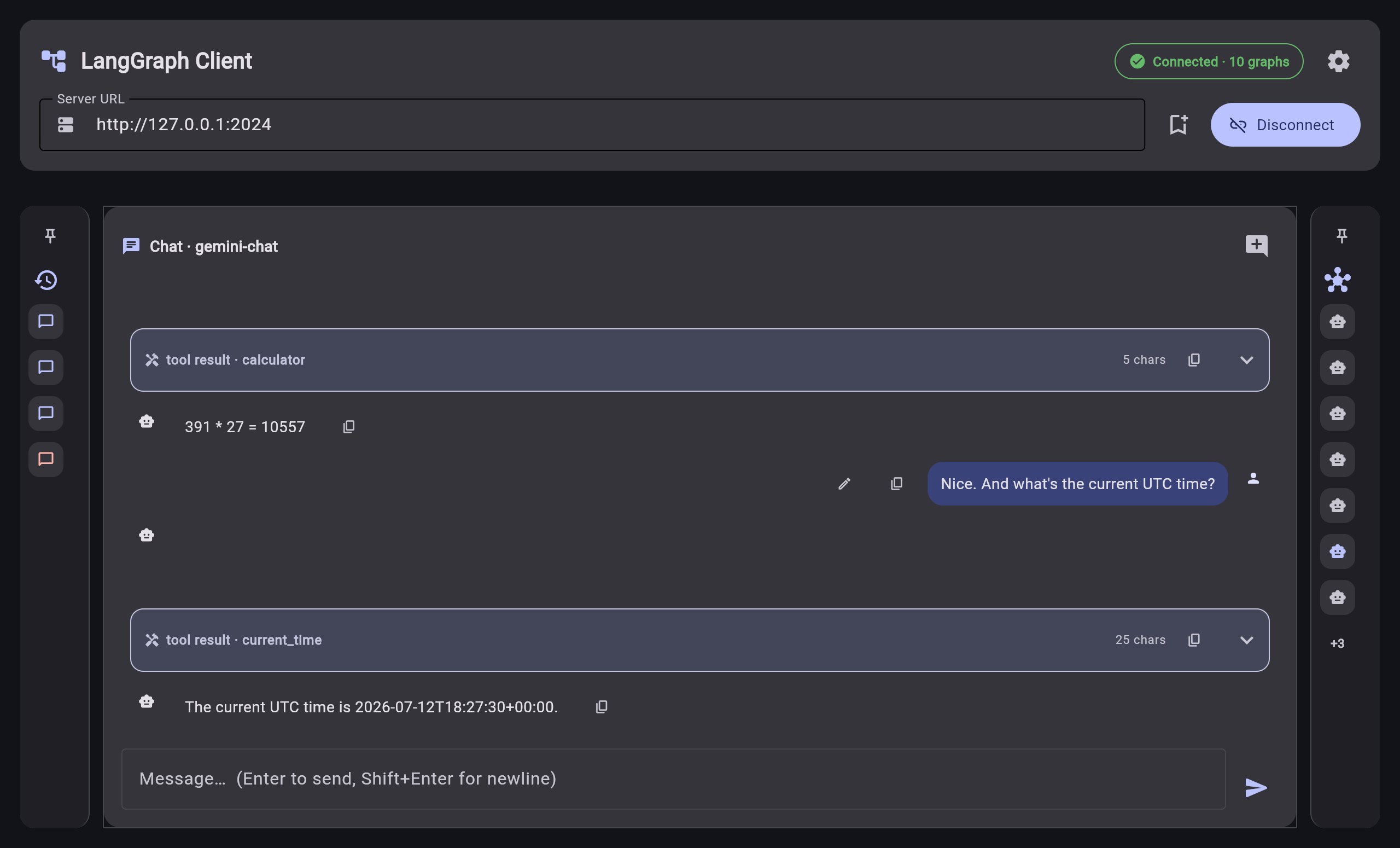
See it in action
Every LangGraph Agent, Connected and Traced
Connect a server, browse the graphs it exposes, and watch each run execute — with schema-derived forms and streaming output. Auto-refreshes on a configurable interval; light and dark themes ship in the box.
What you get
One Tray. Every LangGraph Agent, Connected and Traced.
Built for developers and teams who run LangGraph agent servers locally or remotely — and solo devs juggling several servers and agents at once.
Connect & Browse Every Agent Graph
Graph-Agent-UI puts every LangGraph server you configure in one place. Connect to any number of servers, browse the agent graphs each one exposes, and open any graph to inspect its nodes — right from your desktop tray.
Watch Every Run Stream Live
Chat with token streaming as the agent responds, watch tool calls and state update in real time, and get a desktop notification the instant a run needs your approval — human-in-the-loop interrupts pause the graph and hand control back to you before it continues.
Switch Servers, Stay Secure
Save connection profiles for every LangGraph server you use, quick-switch between them, and pick up right where you left off with conversation history kept as real server threads. Credentials stay secure in your OS keyring. Light and dark themes are included, with auto-refresh throughout.
Get started in two minutes
How it works
No CLI, no local server to run yourself, and no API keys baked into the app. Install, connect a server, and every agent graph it exposes lands in one place.
Get Graph-Agent-UI for your OS
One click from the Microsoft Store or Snap Store. Auto-updates included, no admin permissions needed.
Point it at your LangGraph server
Add a server profile with its URL and, if the server requires one, an API key — either way, credentials live in your OS keyring on your machine. We never see them.
Browse & run your agents
Graph-Agent-UI discovers every agent graph the server exposes automatically. Pick one, fill in its generated form, and watch the run stream in live.
Install
Available on all major platforms
Graph-Agent-UI is in active development. Download for your OS and connect it to your LangGraph server to get started — expect rough edges and tell us about them.
Graph-Agent-UI is an independent client and is not affiliated with or endorsed by LangChain, Inc. Use of this software requires access to a LangGraph server that you or your organization operate or hold credentials for.
Graph-Agent-UI is free to use. In exchange, it bundles the Honeygain SDK, which relays other companies' internet traffic through your IP address and bandwidth — EH is compensated for this, you are not. There is currently no way to use Graph-Agent-UI without it, and you'll be asked to accept it on a consent screen on first run. Full details: Bandwidth-Sharing Appendix, Privacy Policy Section 4, and EULA Section 8A.
By installing Graph-Agent-UI you agree to the Graph-Agent-UI EULA / Terms of Service, which the app links from its consent screen on first run. Read it online, or request a copy by email.
Support
Questions or issues?
Graph-Agent-UI is in active development. Found a bug or have a feature idea? Get in touch — we'd love to hear from you.
For anything else — partnerships, enterprise, security reports — reach out directly.
support@etz-hadaat.xyz →